Organizer
Submit an event for approval
Required permissions
- Event creator or assigned organizer: You can edit a draft you created or an event you organize. Open the completed draft and select the edit action. Before submission, check the public description, participant instructions, date, limits, eligibility, and registration opening time.
If the edit action is missing, you are not the creator or an assigned organizer. Ask the creator or a section admin to update the event assignment. 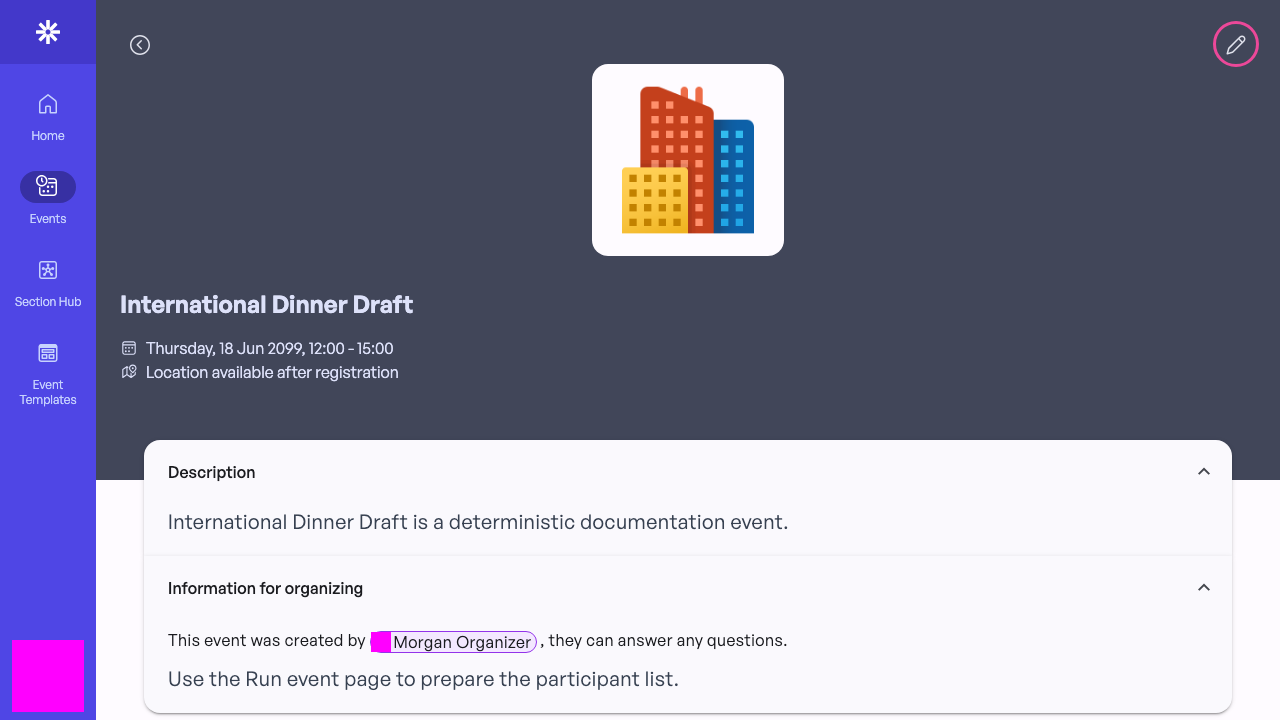 Open the draft editor after reviewing the event details.
Request the admin review
Open Publication, change Publication state from Draft to Ready for approval, and save. This locks the organizer-only specification controls and tells section admins that the event is ready for review; it does not publish the event to participants. General text can still be corrected while the review is pending. 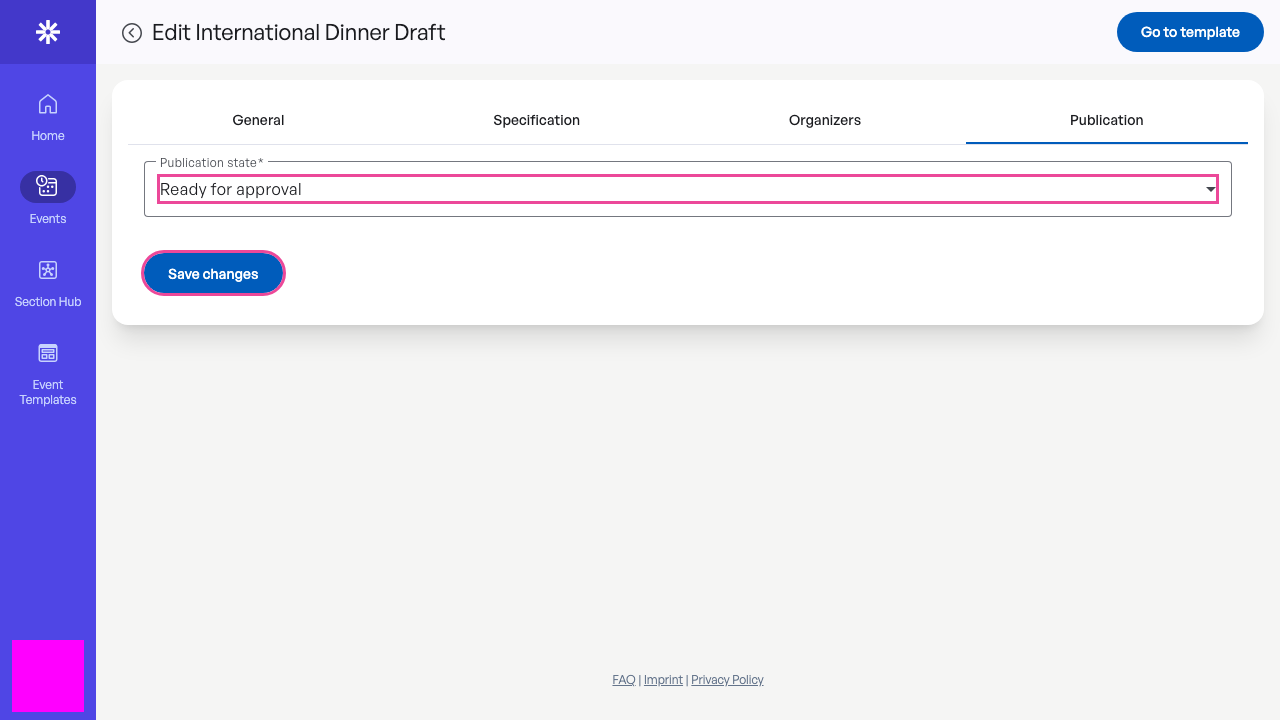 Ready for approval sends the event to admins without publishing it.
Confirm the submitted state
Reload the editor and confirm that Ready for approval remains selected. The persisted state is the reliable confirmation that the request reached the section review queue.
Only a section admin can choose Visible to Organizers or Public. Contact an admin if the event must be returned to draft or the review is taking longer than expected. 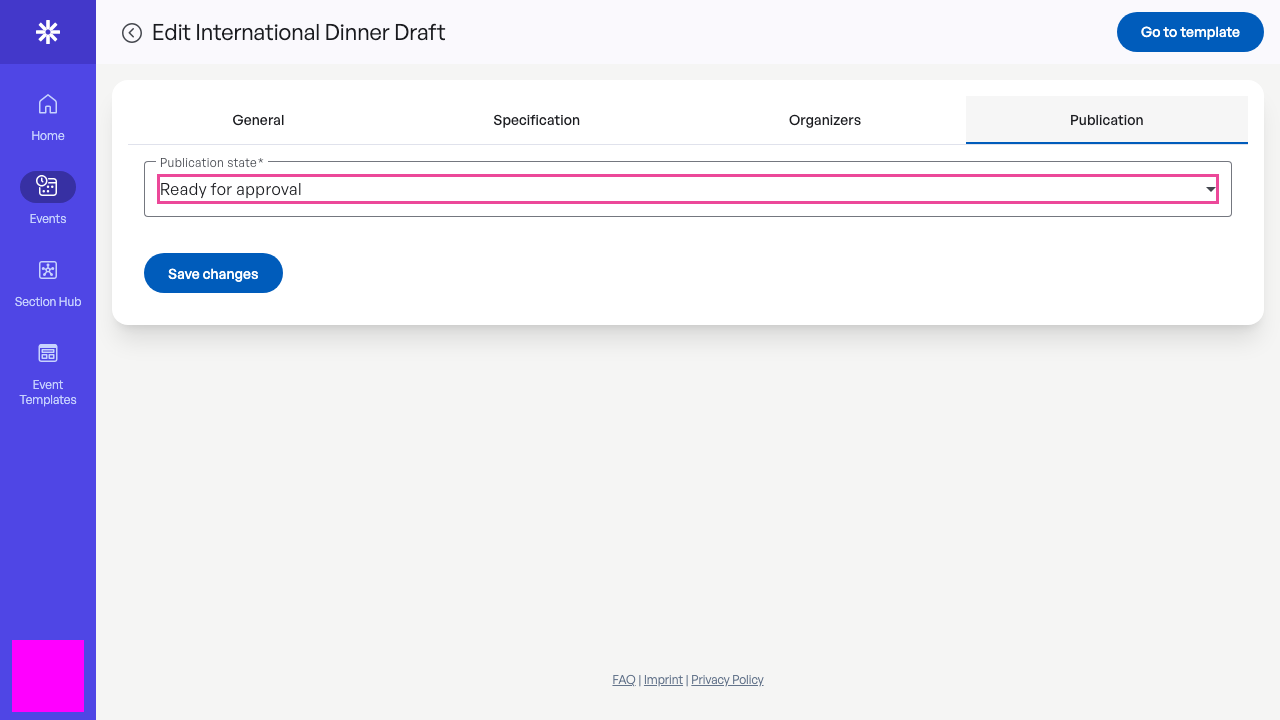 The saved publication state confirms that admin review was requested.