Organizer
Run an event
Required permissions
- Assigned event organizer: The Run event action is available to organizers assigned to the event. Open the event and select Run event. This surface is available to assigned organizers and brings together sign-up totals, organizer and participant contacts, required receipts, and participant data.
If Run event is missing, ask the event creator or a section admin to add you as an organizer before the event starts. 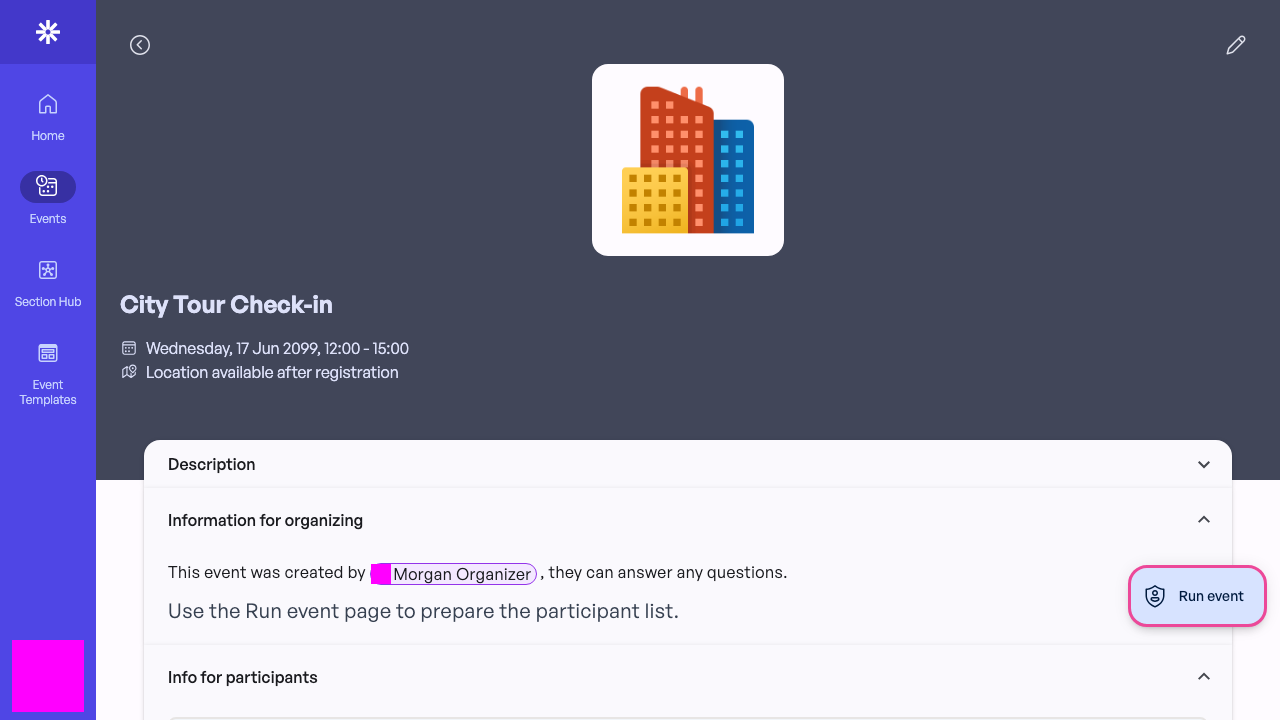 Assigned organizers use Run event for on-the-day information.
Prepare from the run view
Confirm the sign-up and check-in totals, review the participant list, and use the copy actions when you need to contact attendees. Participant contact details are operational data: use them only for the event and do not share exported or copied lists beyond the organizer team.
Use Scan code for the normal on-site QR workflow. Camera access must be allowed in the browser before scanning can begin. 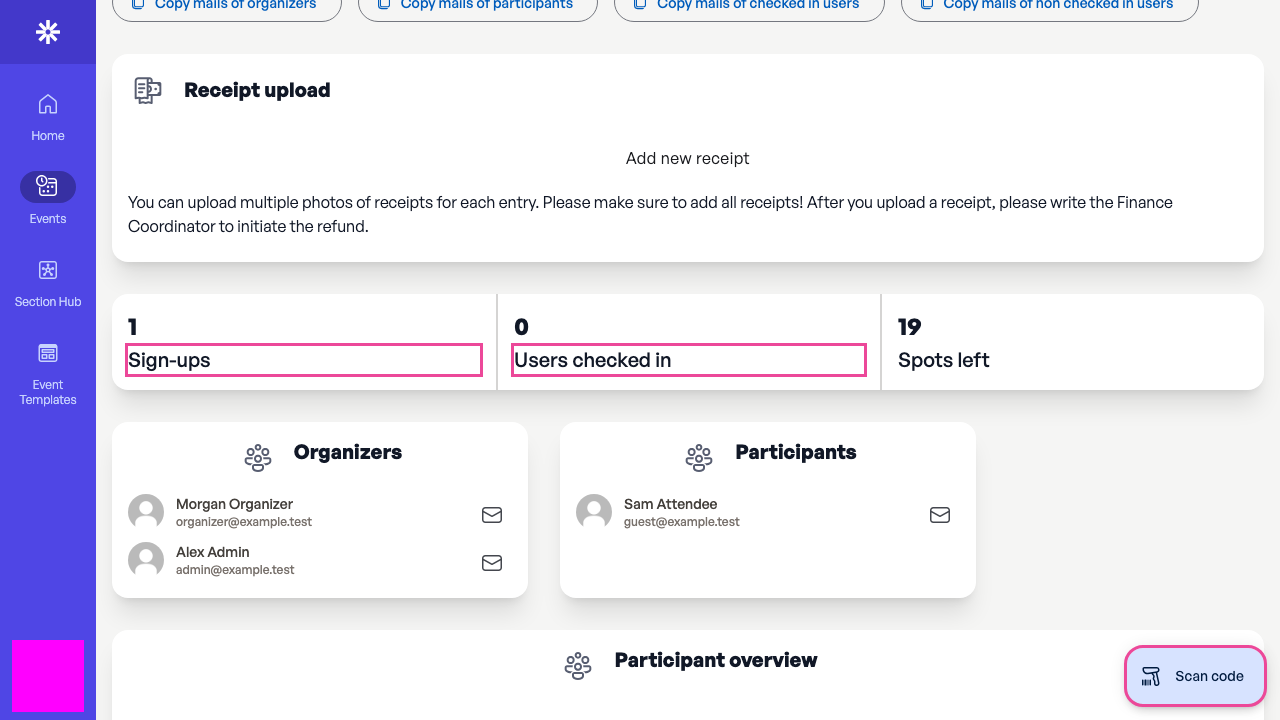 Check attendance totals before opening the QR scanner.
Ask an admin for a manual check-in
If a participant's QR code cannot be scanned, contact a section admin and ask them to perform the manual check-in. Manual check-in is an admin-only action and is not part of the organizer workflow.
Give the admin the event and enough information to identify the participant, but avoid sharing the full attendee list. After the admin confirms the check-in, refresh Run event and verify that the checked-in total changed before trying anything else.