Participant
Find an event
Required permissions
- Section access: The event must be public and available to your membership status. Open Events to browse the classic event list. A Registered badge identifies events you have already joined.
Browse the event cards or narrow the list with search.
Search by event name
Press Ctrl+F, then enter part of an event name. The list updates to show matching events. 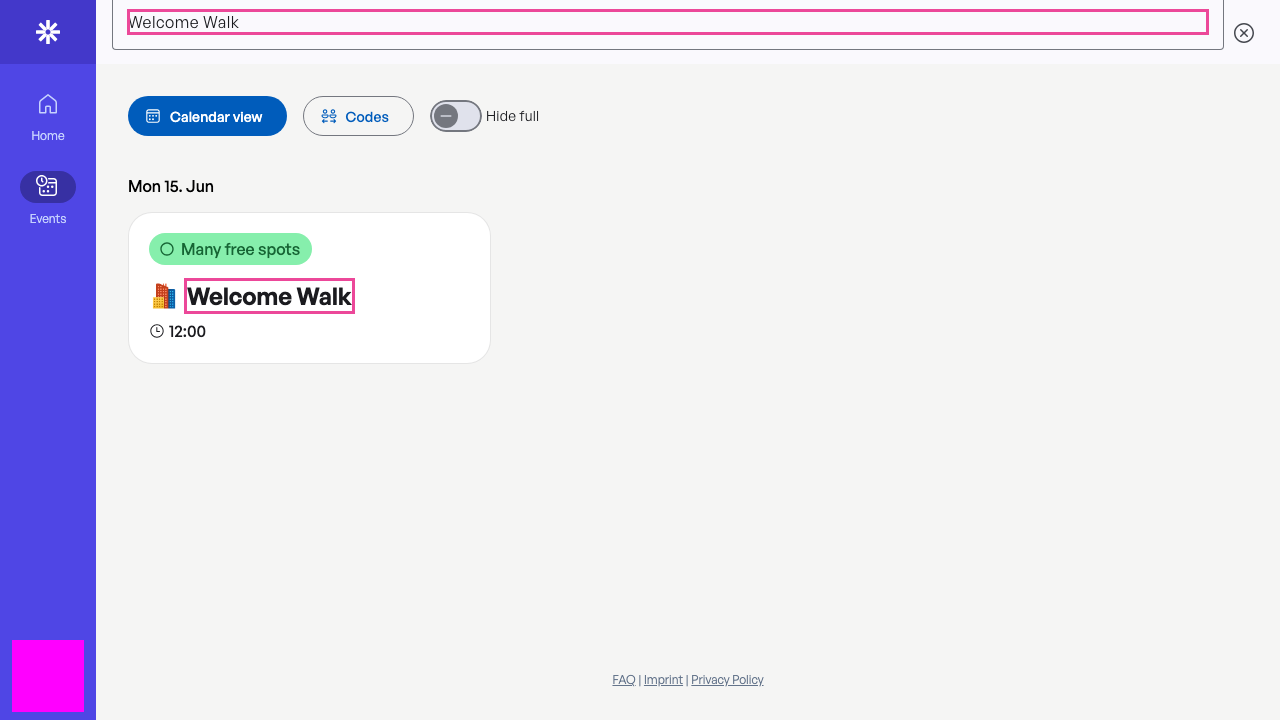 Search filters the event list by title.
If no event appears
No events right now can mean the current search has no match. Clear the search before assuming the section has no upcoming events. 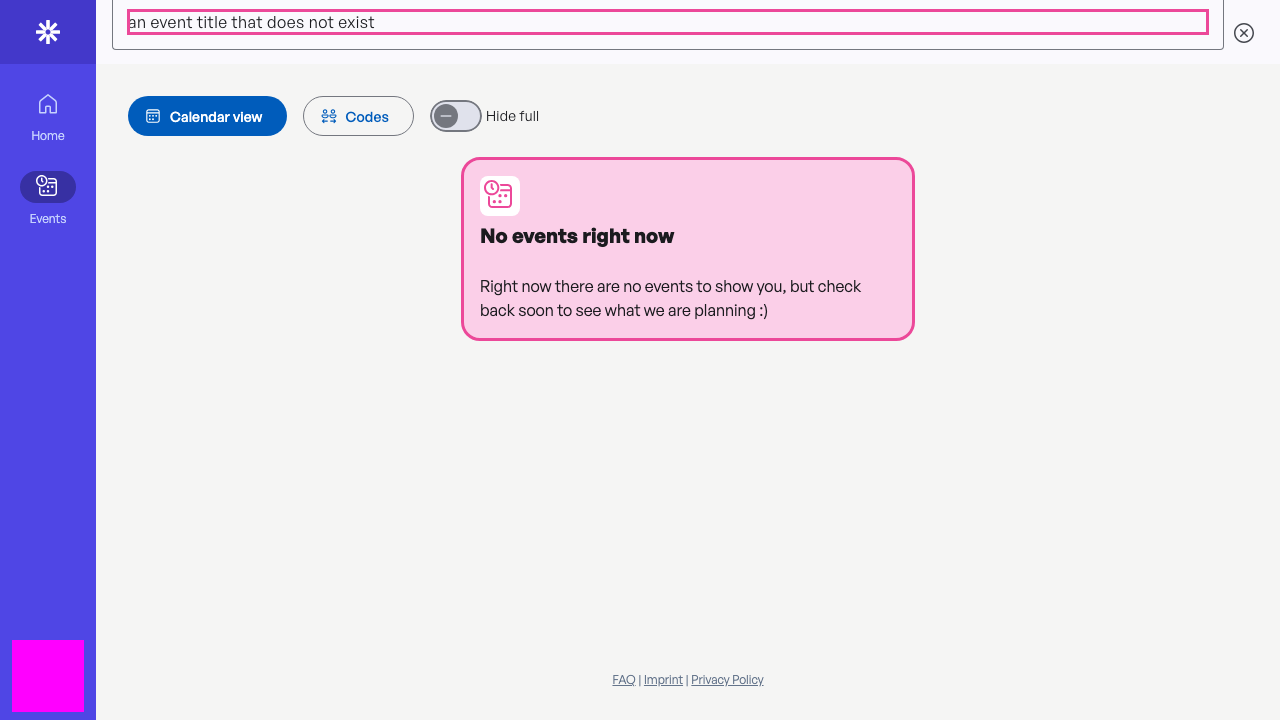 Clear an unsuccessful search to restore the event list.
Open the event
Select the matching card to review the full description and registration availability before you register. 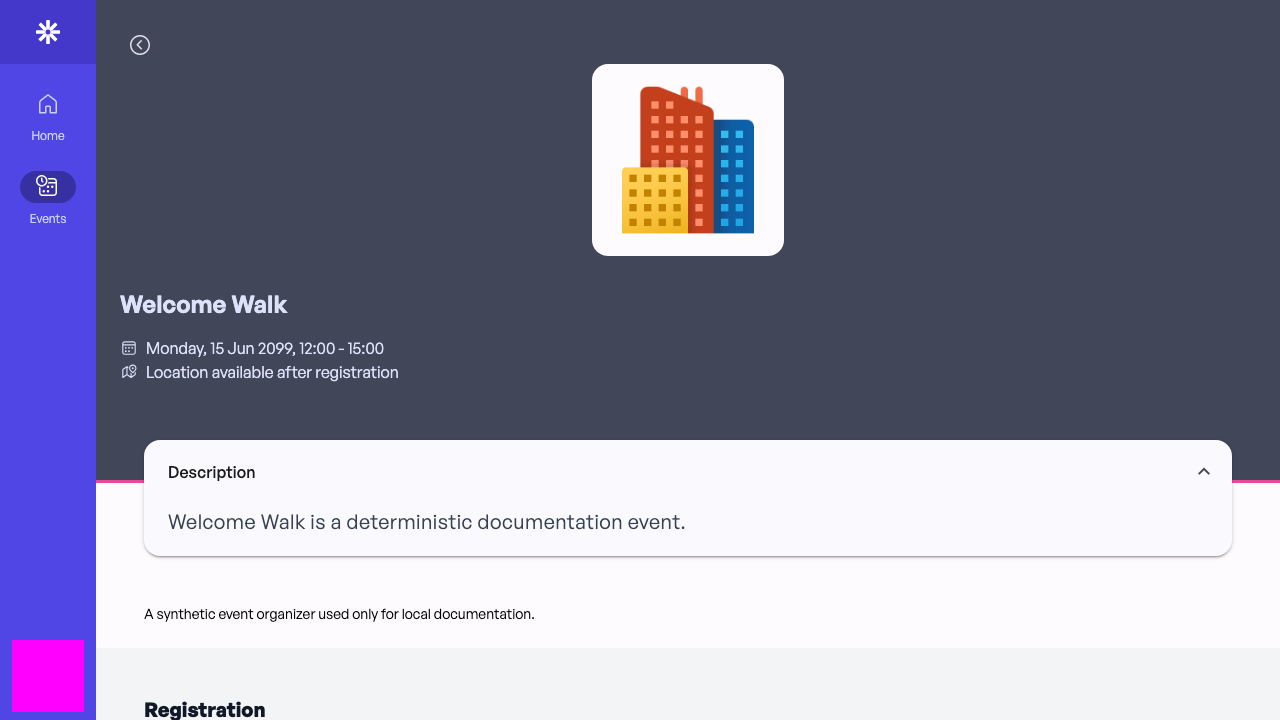 Review the event details before starting registration.