Admin
Set up your section
Required permissions
- Section admin: Admin Tools, event organizers, and template categories are restricted to admins. Start in Admin Tools. Before members can create events, the section needs at least one event organizer and one event template category.
If Admin Tools is missing, your account is not a section admin. Do not try a direct URL; ask an existing admin to review your role. 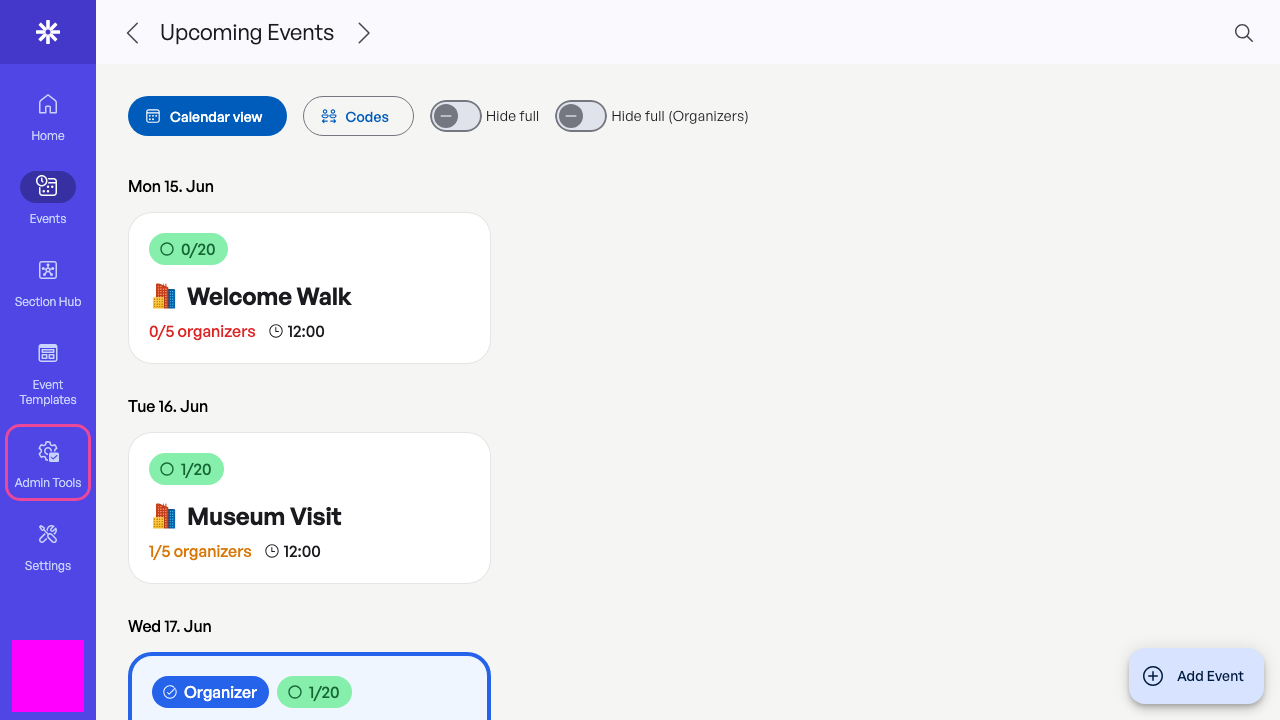 Section setup begins in Admin Tools.
Create an event organizer
The UI currently labels this area Organizations. Each entry is an event organizer: the entity shown to participants as responsible for an event. Add a clear name, public description, and optional information link, then save. 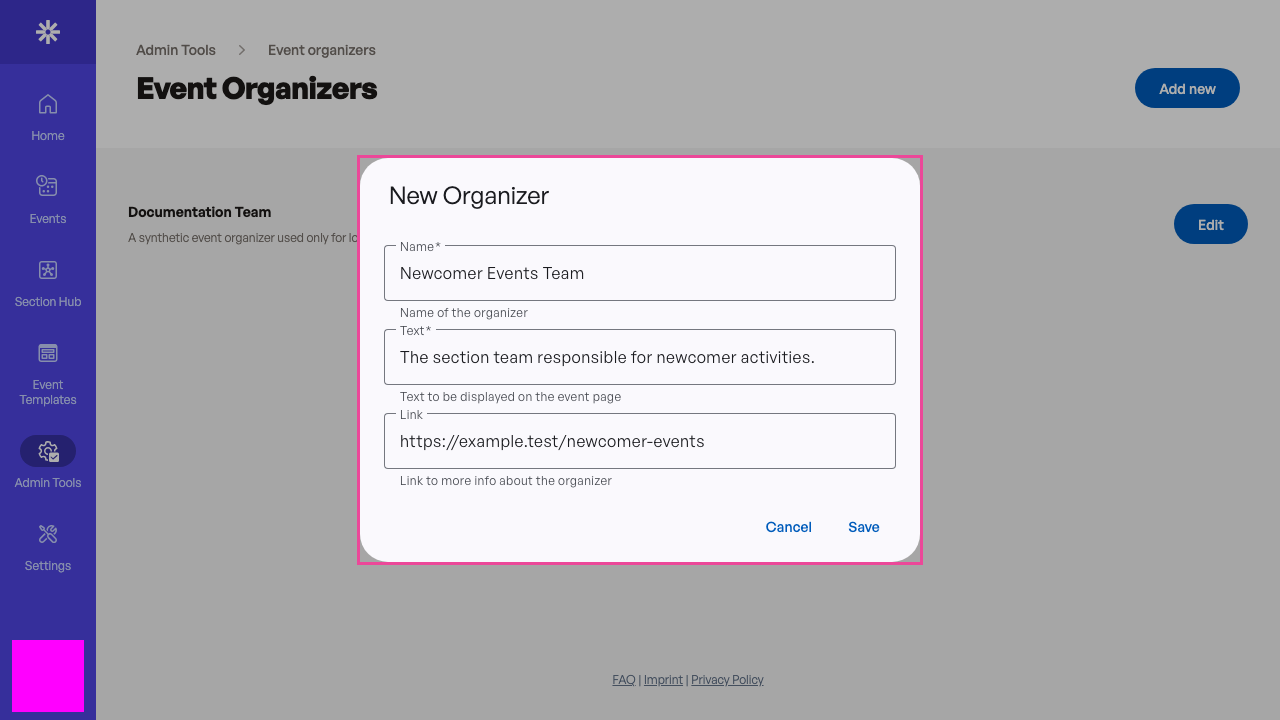 Use a public-facing name and description for the event organizer.
Create a template category
Categories keep the template chooser understandable. Use a specific name such as Newcomer activities and a valid Evorto icon name. See Icon selection when you need an icon reference. 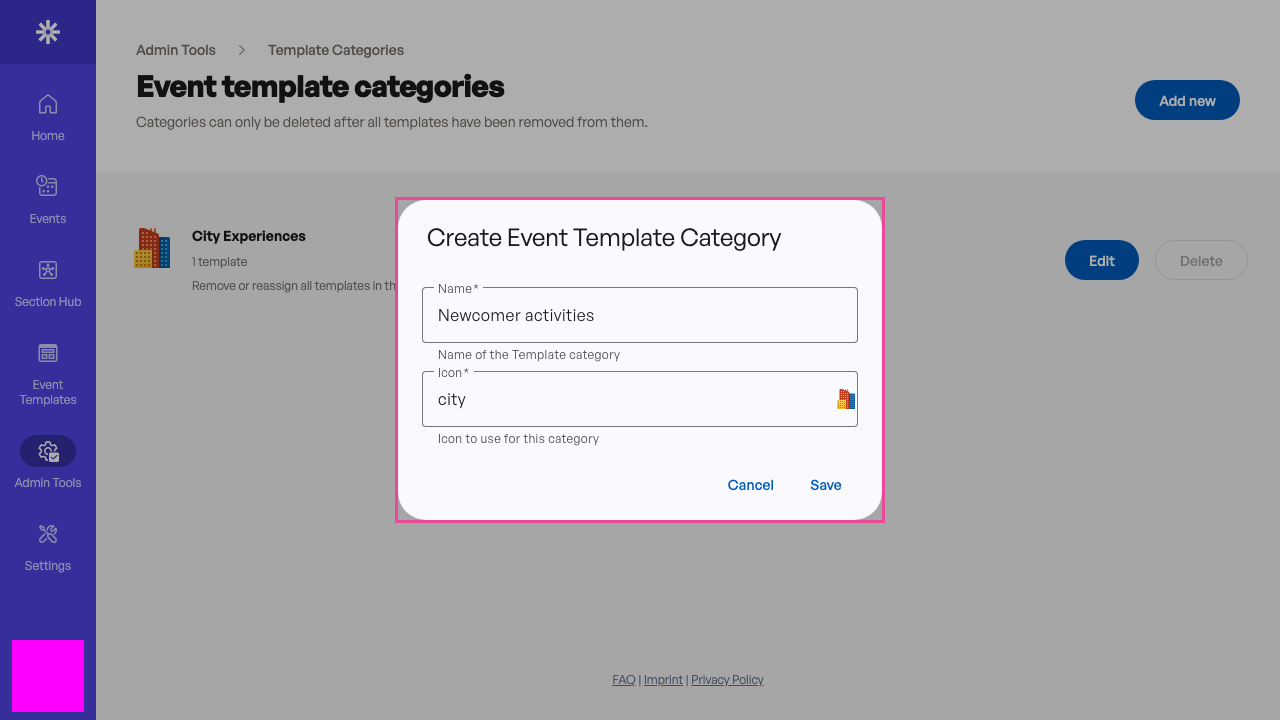 Create a clear category before adding its first template.
Confirm the foundation
The new category appears with 0 templates. Your section now has the two prerequisites for event creation. Continue with Create an event template, then review Configure section settings before inviting users. 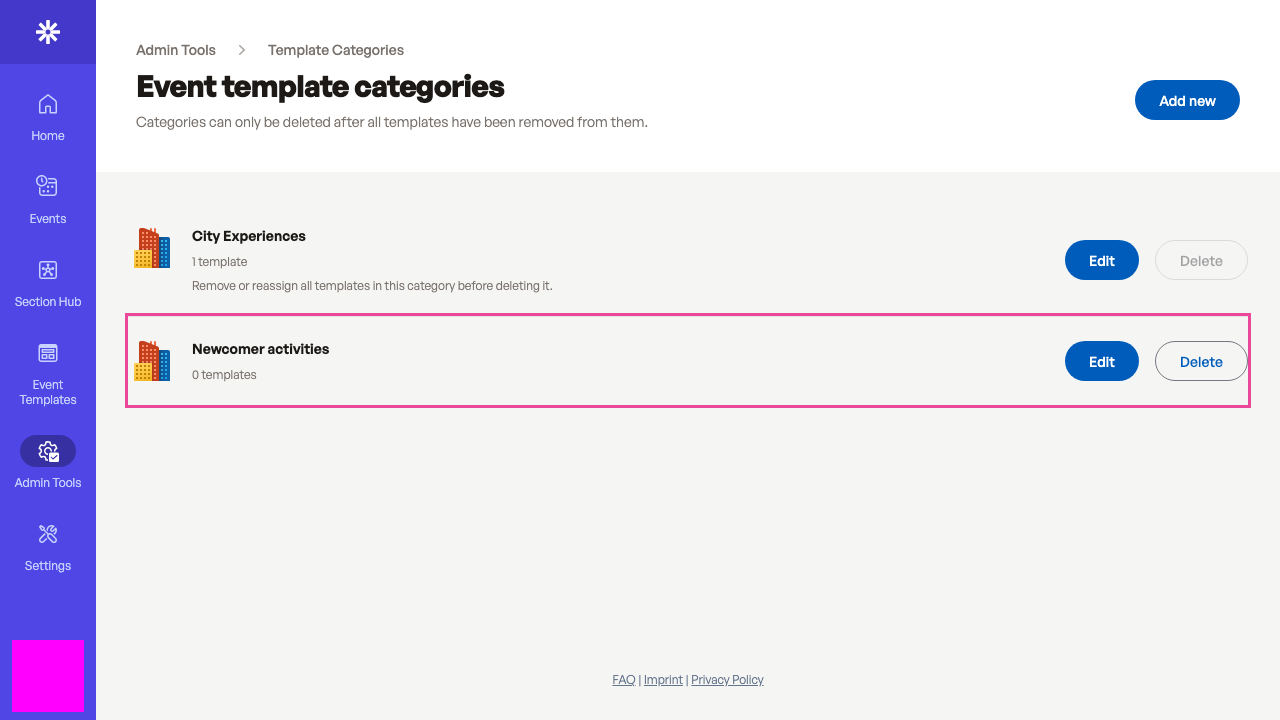 The category is ready for its first event template.