Participant
Register for a free event
Required permissions
- Completed participant profile: Your required account and section information must be complete.
- Eligible membership status: The event must accept your current section membership status. Open the event and find Registration. Before joining, Evorto shows the remaining capacity and whether cancellation is allowed. This guide uses a free event, so no payment step is involved.
If Register now! is replaced by an explanation, read that message before trying again. Registration can be unavailable for the current account or event state. 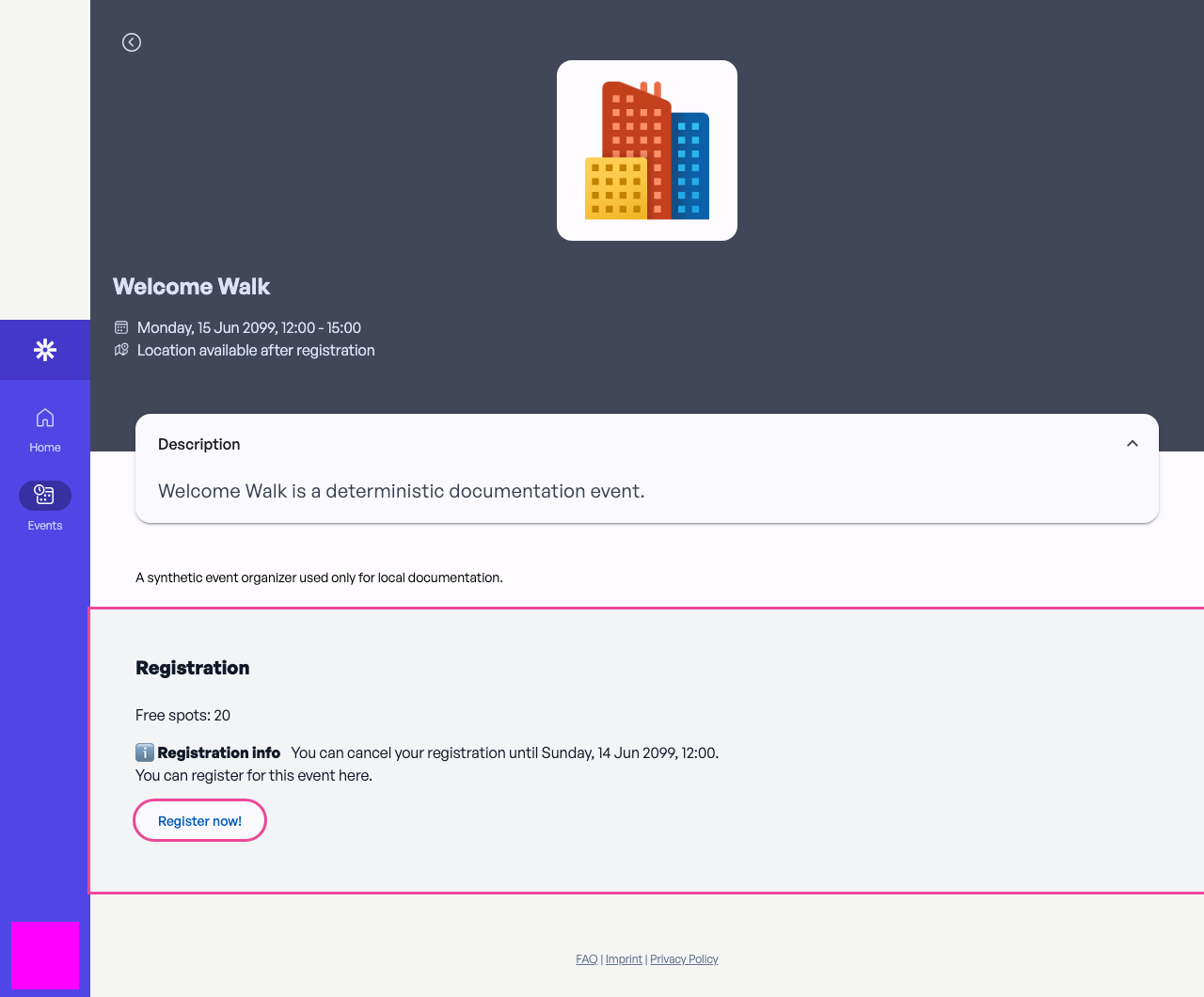 Check the capacity and cancellation information before registering.
Confirm your place
Select Register now! once. A successful free registration replaces the action with You are registered for this event, adds your participant status, and makes the Check in ticket available.
The missing registration button is intentional after success: Evorto prevents a second registration for the same account. Do not repeat the action when the confirmation is already visible. 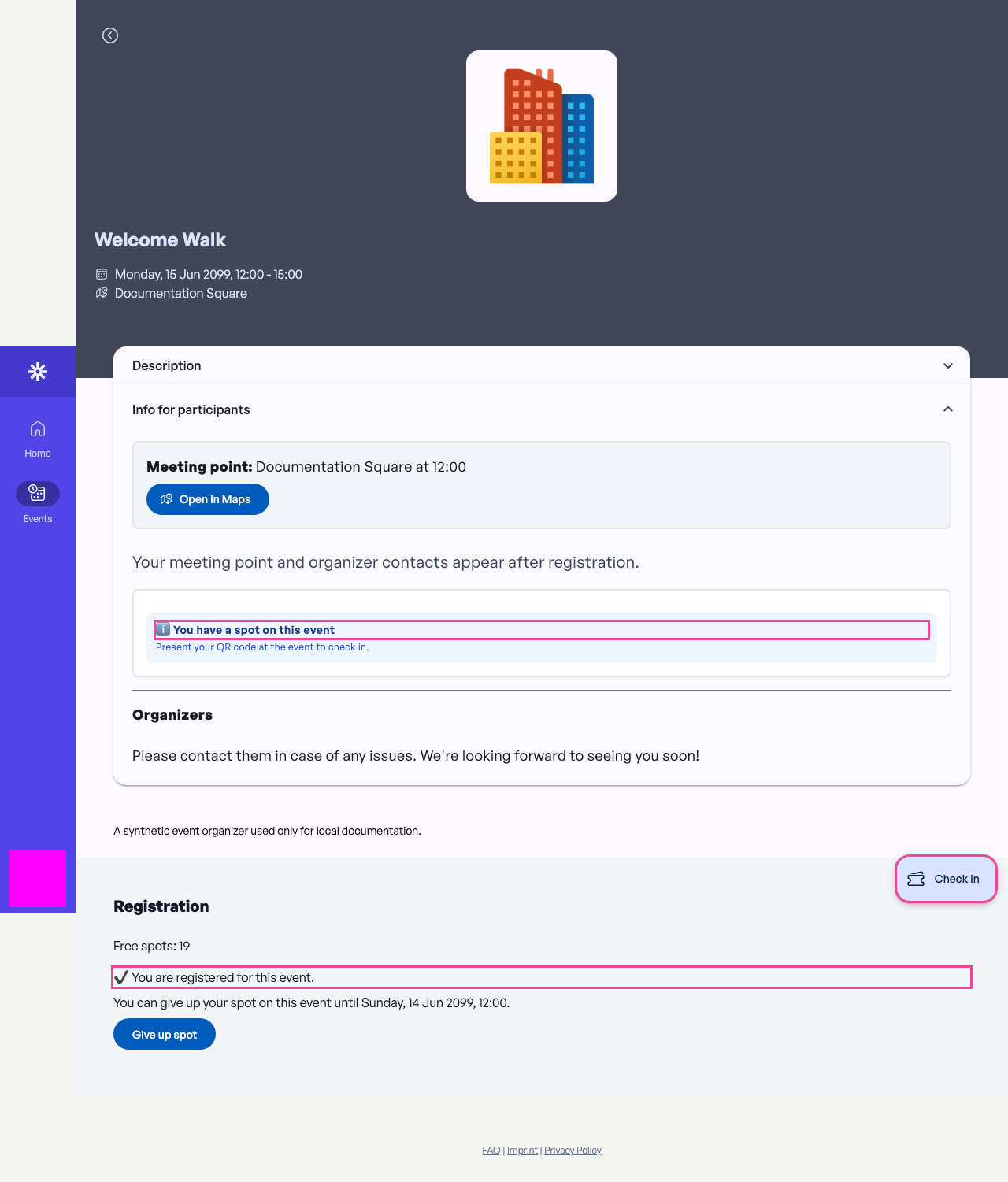 The confirmation and Check in action show that your free registration succeeded.