Admin
Review and publish an event
Required permissions
- Section admin: Only admins can move an event from approval to a public state. Open the event that is Ready for approval and review it as a participant would. Check the public description for accuracy, useful expectations, and appropriate language before opening the editor.
Publication makes the event discoverable to eligible users. Do not publish merely because the event reached the queue; resolve missing or unsafe information with the organizer first. 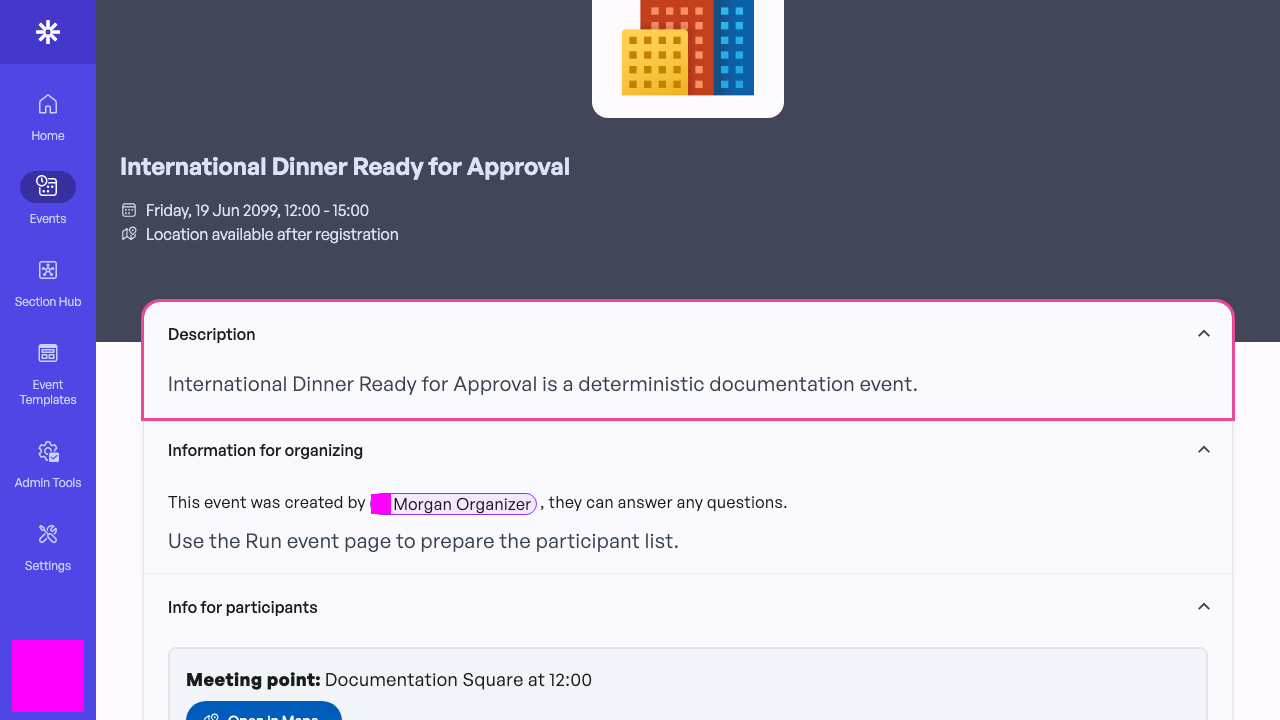 Review participant-facing information before changing publication.
Check the event specification
In General, review the organizer and participant instructions. In Specification, verify the title, start and end times, registration opening, registration mode, capacity, eligible membership statuses, and event organizer.
Return the event to Draft when the organizer must make material changes. Admins can edit submitted events, but keeping ownership with the organizer makes the review history clearer. 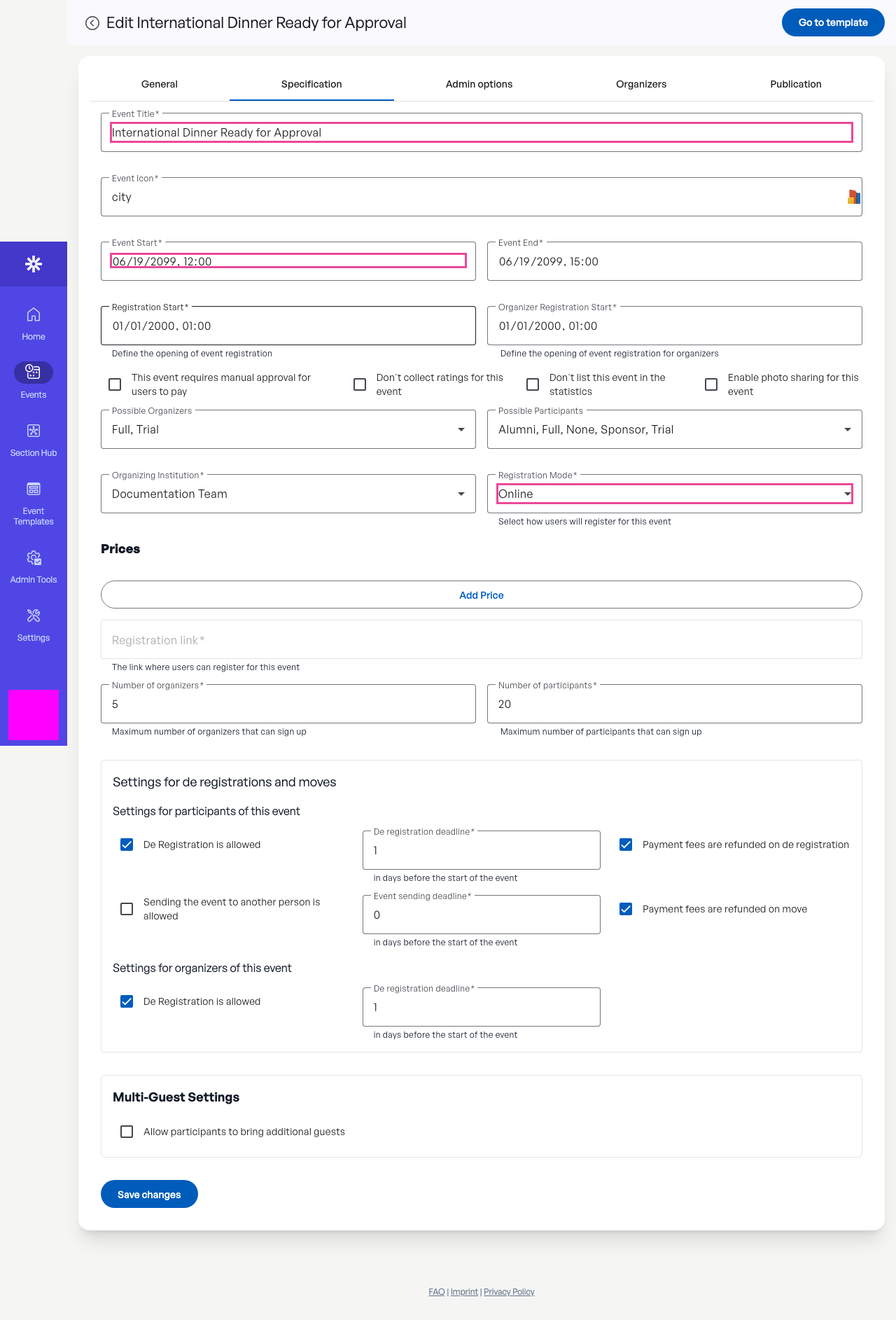 Verify timing, registration, eligibility, and capacity before publishing.
Publish the approved event
Open Publication, choose Public, and save. Public exposes the event only to users whose membership status is allowed by the event specification.
The Public and Visible to Organizers choices are admin-only. If neither option appears, stop: the account does not have publication authority. 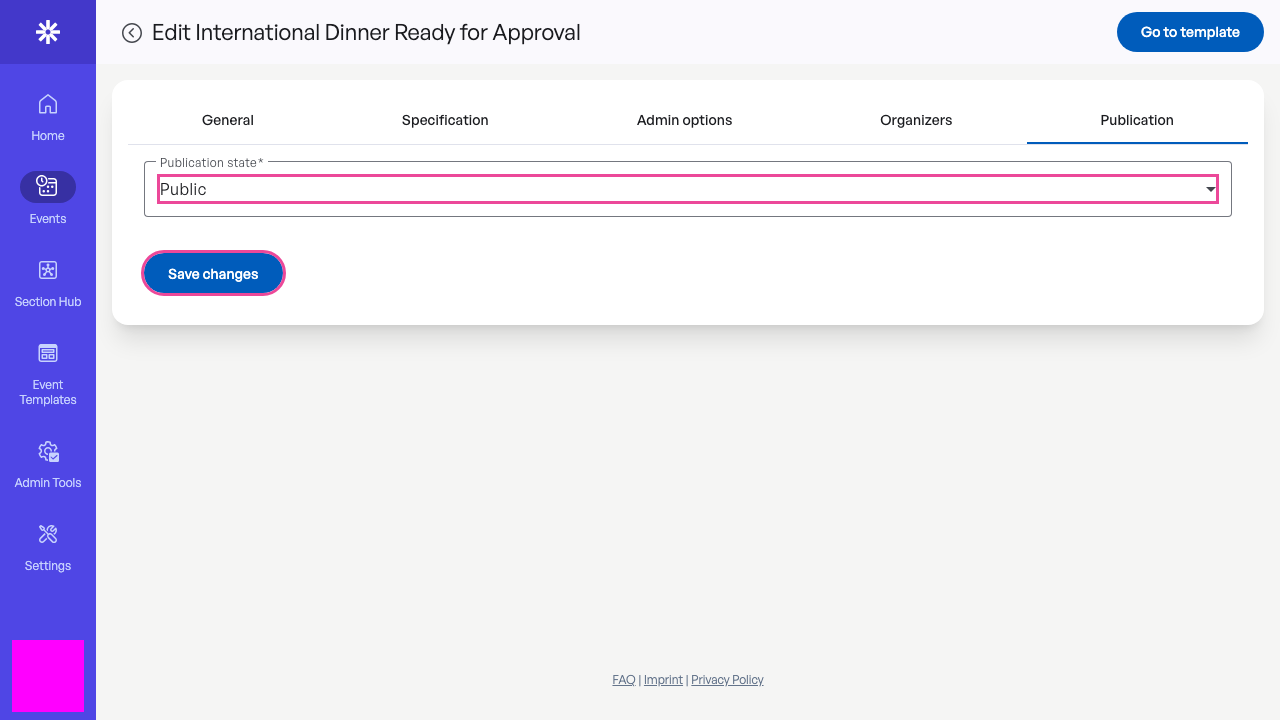 Choose Public only after every review check is complete.
Confirm publication
Reload the editor and confirm Public remains selected. The persisted state is the authoritative confirmation; a transient success message alone is not enough.
If the state reverts or saving reports an error, keep the event out of participant communications until the publication state can be verified. 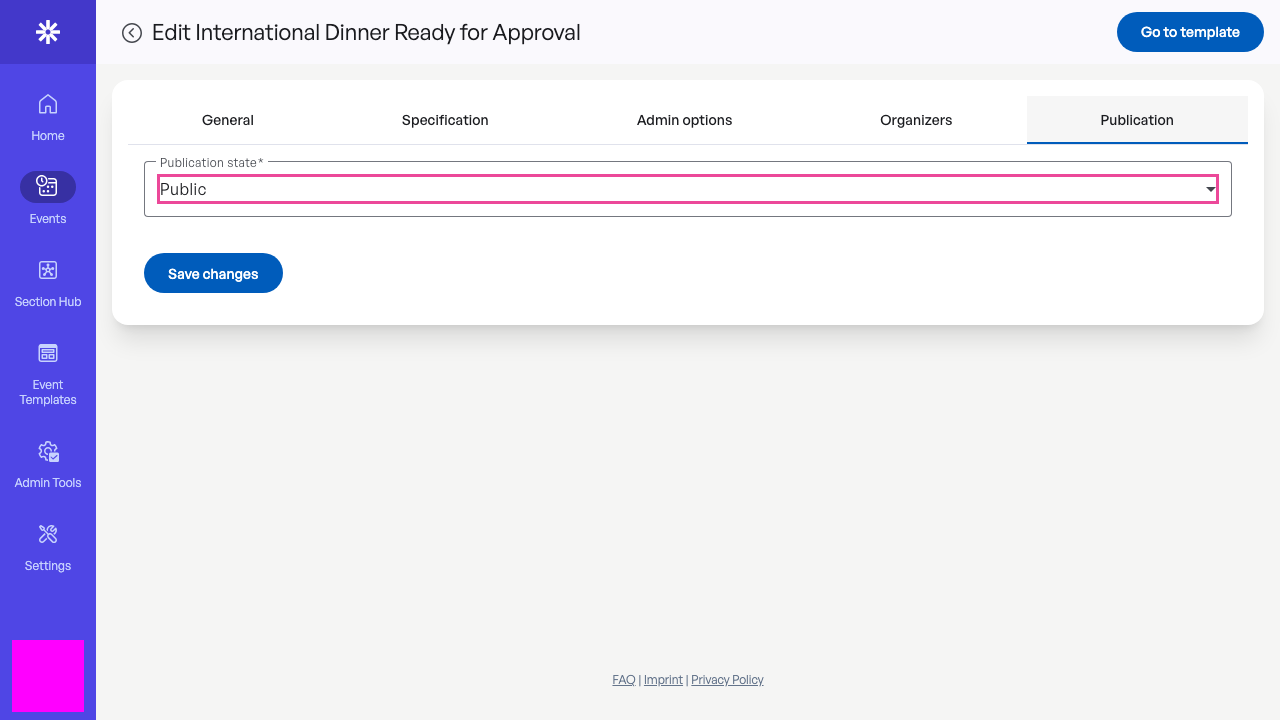 Reloading confirms that the event is published.