Admin
Create an event template
Required permissions
- Section admin: Members can use templates, but only admins can create them.
- Existing template category: Create a category in Admin Tools before creating its first template. Open Event Templates and select Create new template. Templates are reusable starting points for organizers, so put stable information here and leave event-specific dates and limits for the event itself.
If Create new template is missing, your account is not a section admin. If there is no suitable category, create one in Admin Tools → Event Template Categories first. 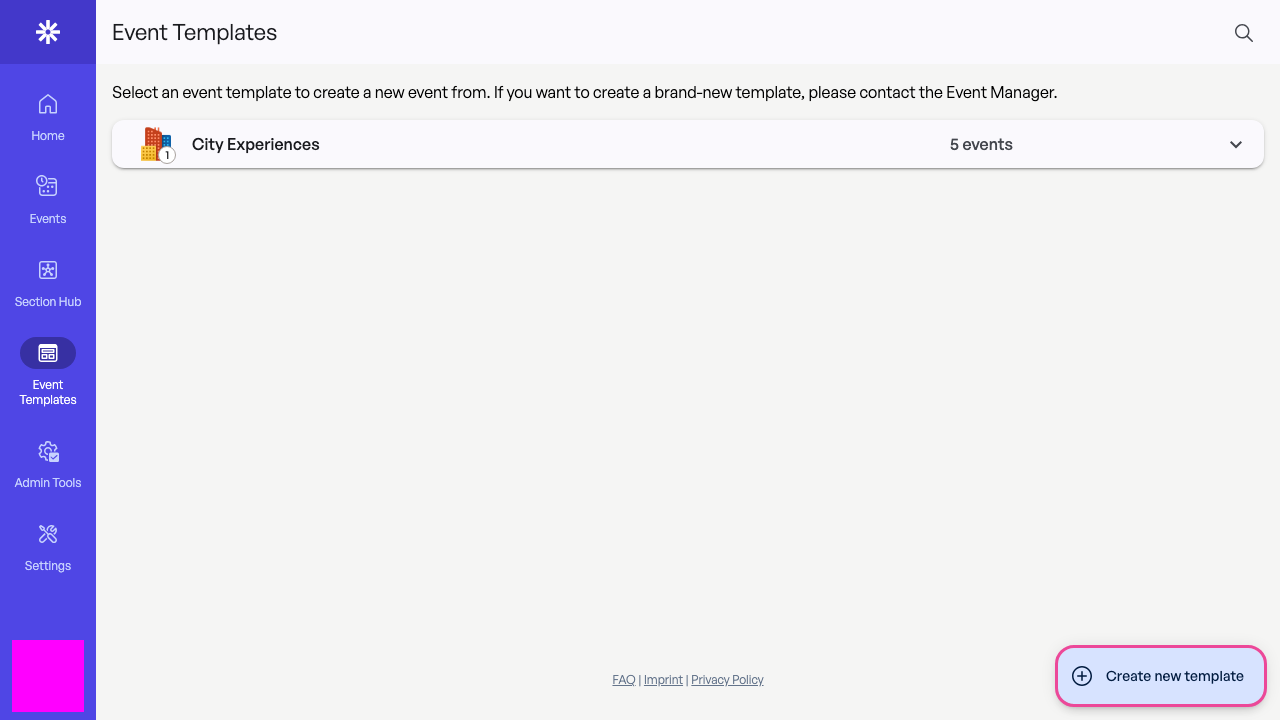 Admins can add a reusable template from the template list.
Complete the reusable information
Add a title, icon, category, typical duration, and meeting point. Keep Internal comment and Information for organizing operational; write the public description and participant information for the people joining the event.
The meeting point must be selected from the location suggestions. Typed text alone is not a saved map location. If suggestions do not load, check the local Maps configuration before continuing. 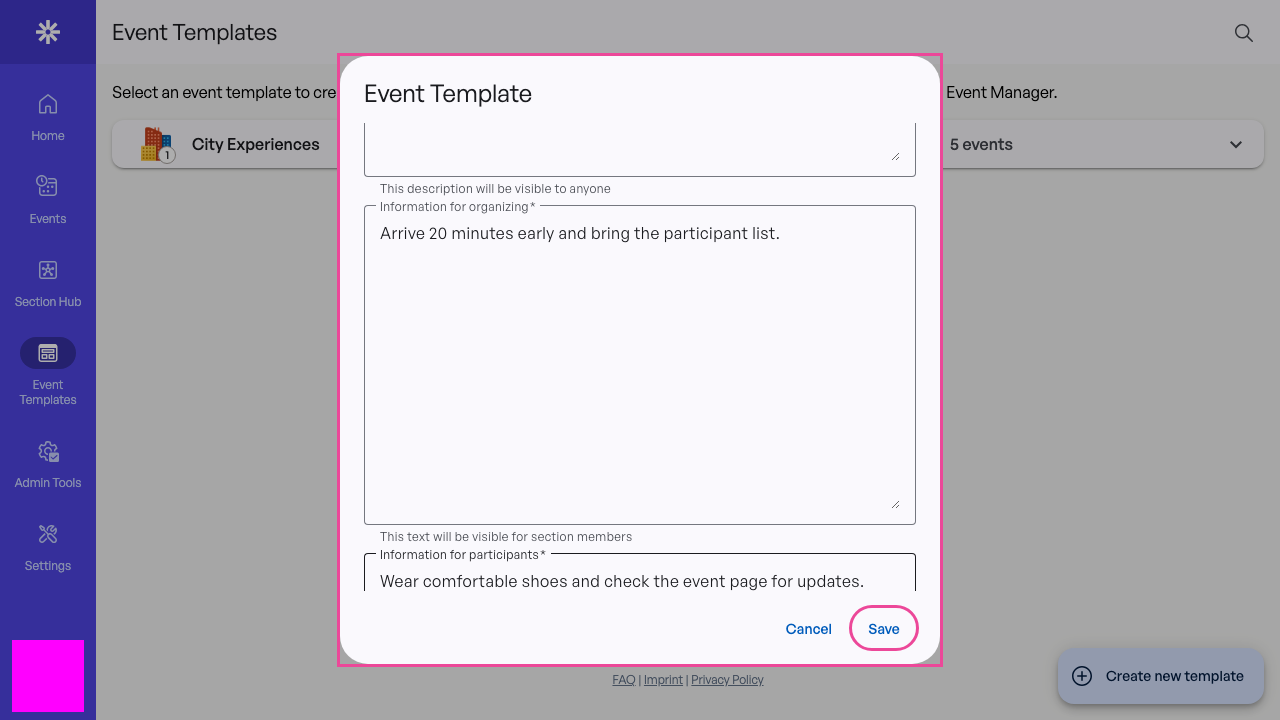 Review every reusable field before saving the template.
Confirm the template
Template saved successfully is followed by the template overview. Confirm the category, location, and four information sections. Organizers can now use Create event from this template to create a draft. 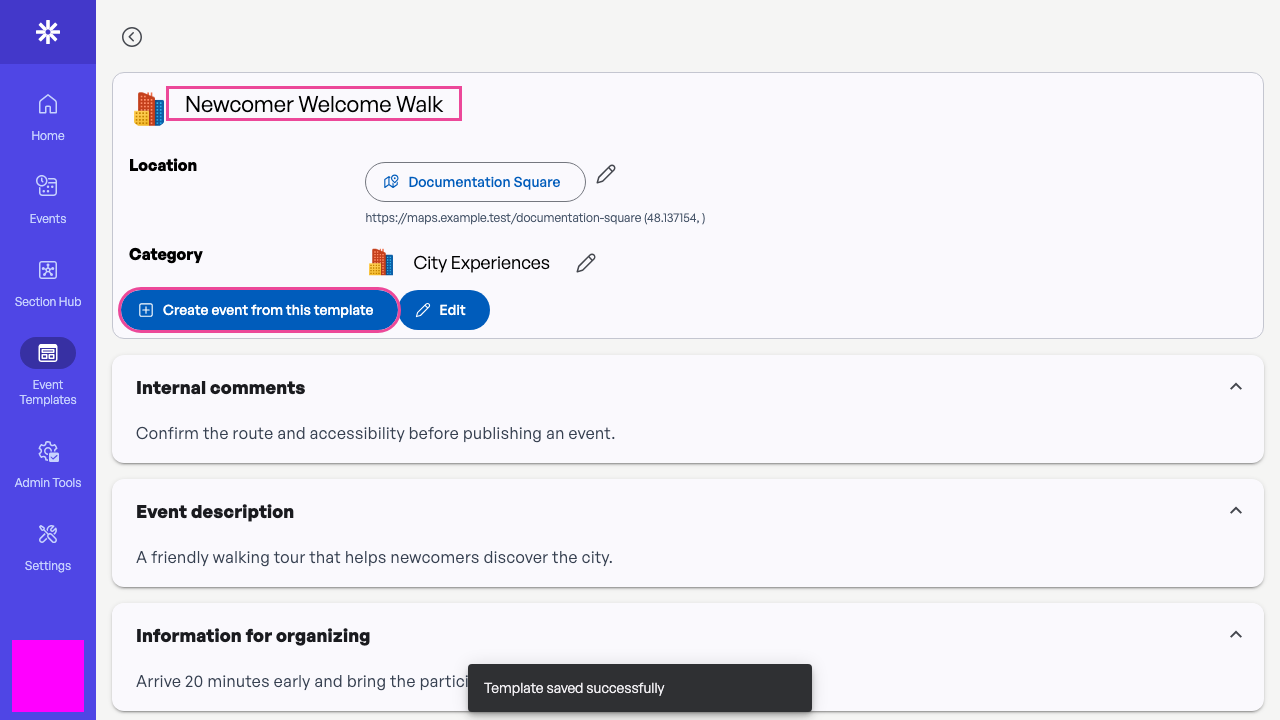 The overview confirms that the template is ready for organizers.