Participant
Complete your profile
Required permissions
- Signed-in participant: Use the account that still needs to complete its Evorto profile. Evorto sends an unfinished account to Your data before it can use the rest of the section. The disabled Save data button means at least one required account, privacy, or section field is still missing.
Phone and Telegram details are optional. Only add contact methods that you want event organizers to use. 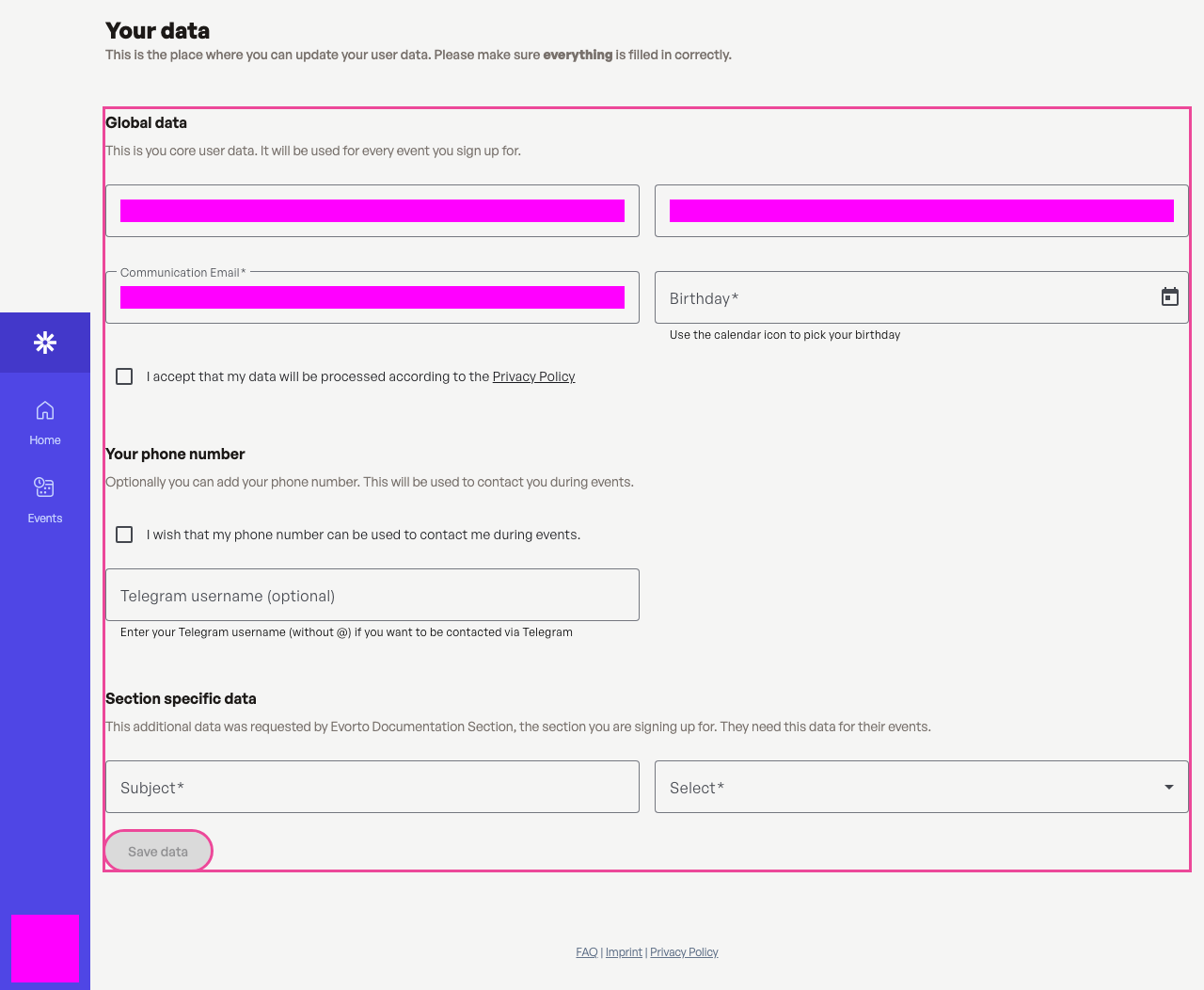 Complete every required account and section field before saving.
Add the required information
Enter your name, communication email, birthday, and the fields requested by this section. Read the linked privacy policy, then select the privacy checkbox. Save data becomes available when the form is complete. 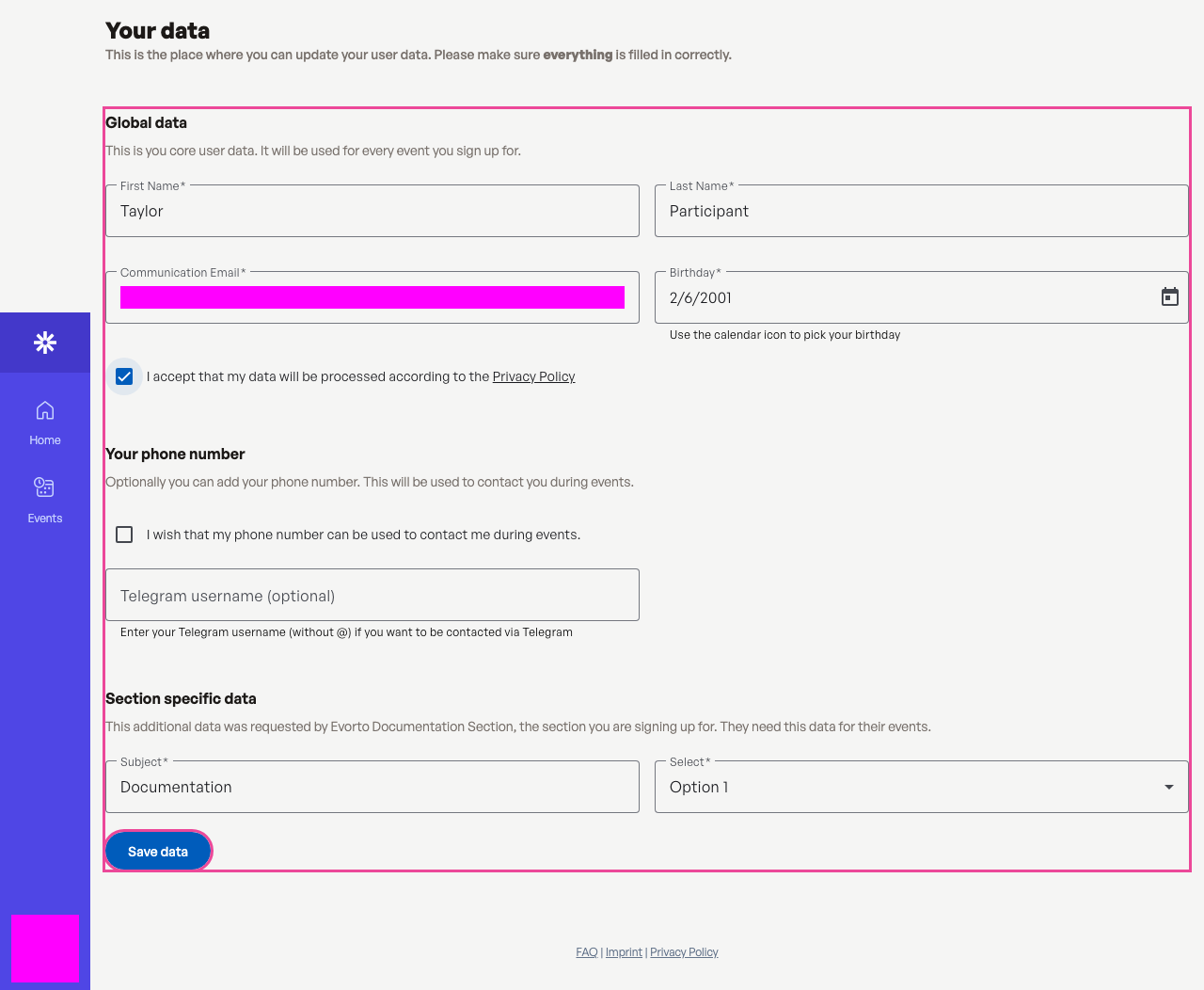 Save data becomes available after all required fields are valid.
Confirm the saved profile
After saving, Evorto opens your profile and shows the stored section information. Use Update data whenever those details change. 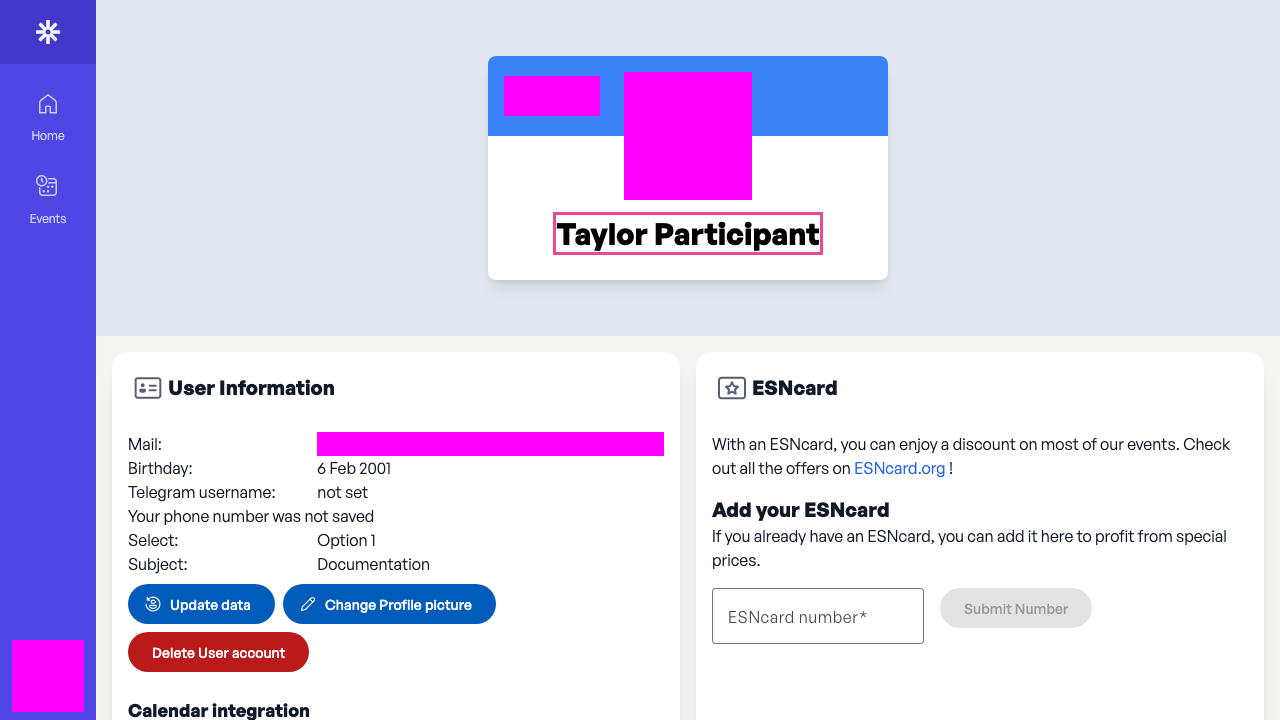 The profile page confirms that the required data was saved.