Participant
Manage your registration
Required permissions
- Active participant registration: The event must show a successful registration for your account. Return to the event after registering. You have a spot on this event confirms the active registration. Registered participants can also see the meeting point and organizer contacts under Info for participants.
Use the participant section for the meeting point and organizer contacts.
Open your ticket
Select Check in to open your ticket. Present this Evorto QR code to an event organizer; the dialog identifies both the event and the registered participant. It is not a ticket for a third-party venue. 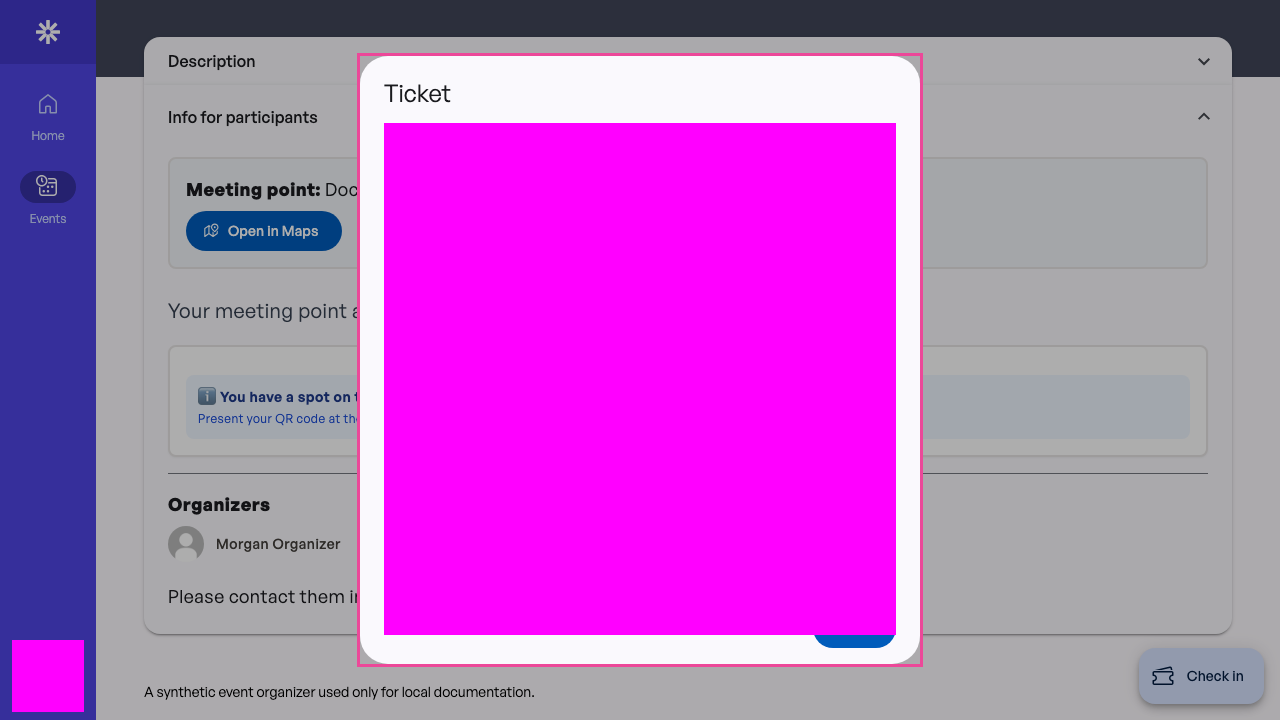 Present the Evorto QR code to an organizer at the event.
Check cancellation eligibility
When the event allows cancellation and the deadline has not passed, Evorto shows Give up spot together with the cutoff. This guide verifies that the registration is eligible and that the action is available. It does not submit the cancellation in this pass.
If Evorto shows a reason instead of the button, the registration cannot be cancelled in its current state. Contact the event organizer if you need help with the registration. 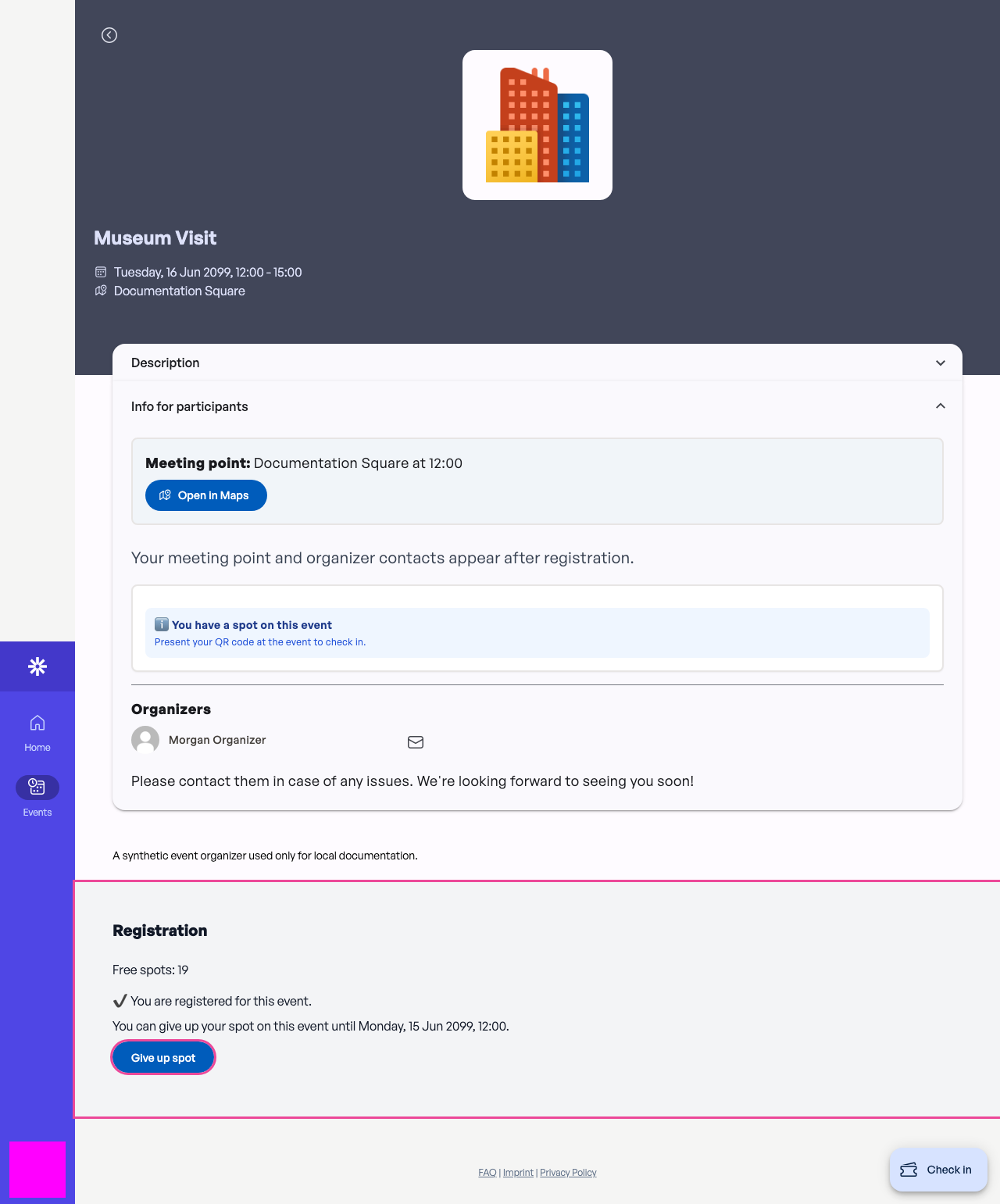 Check the cutoff before giving up your event place.